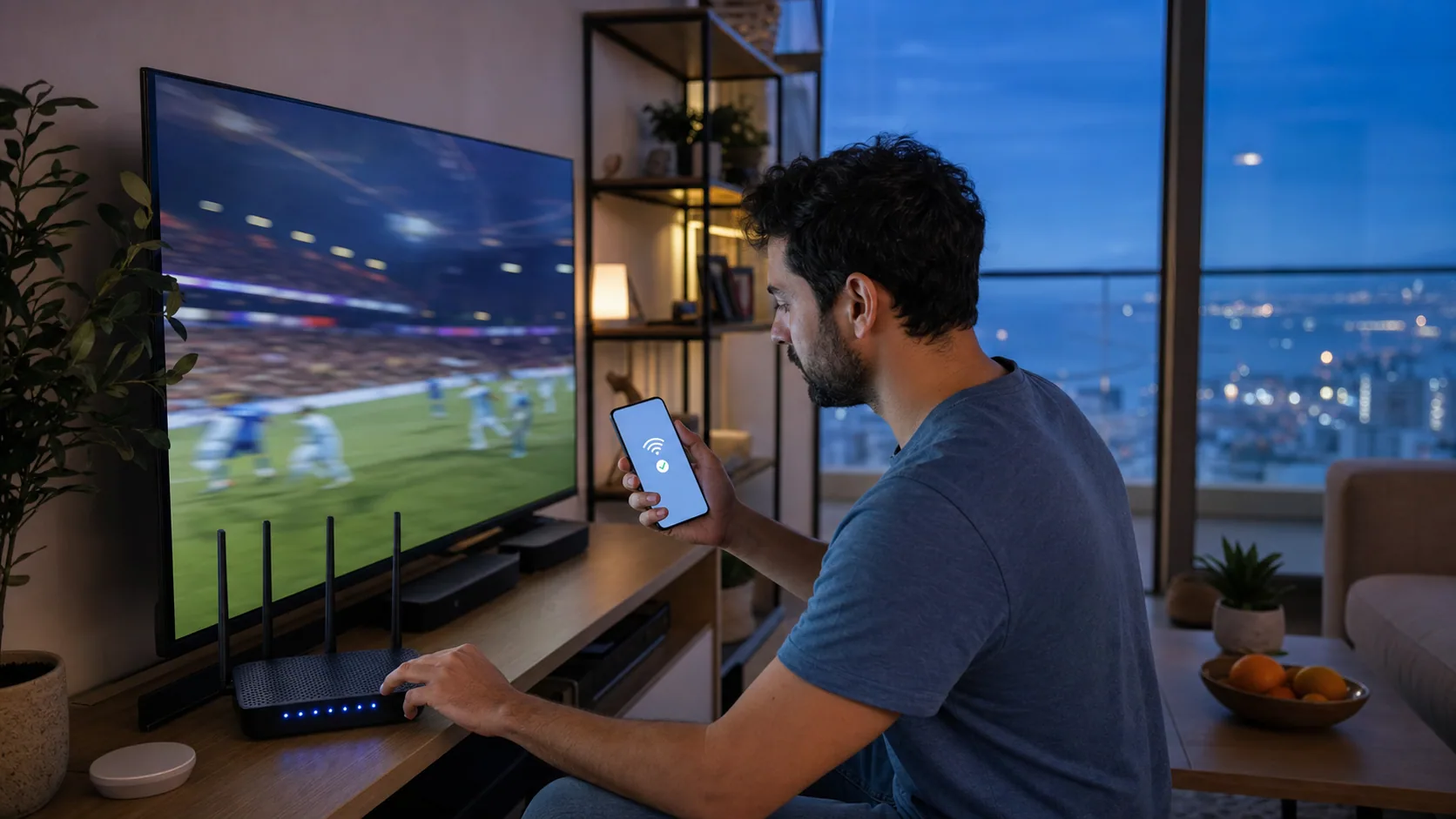
For reliable live sports IPTV, connect the main television by Ethernet when possible, open the player before kick-off, confirm the EPG time zone and leave enough bandwidth for every active screen. If a stream has a problem, compare an alternative source before restarting the entire network.
Key takeaways
- ✓ Test the player before the event
- ✓ Use Ethernet for the main screen
- ✓ Check Israel time and EPG settings
- ✓ Keep simultaneous viewing within your plan
Prepare before the event
Update the player and restart the device earlier in the day, not during the opening minutes. Confirm that live channels load, the EPG uses the correct time zone and the remote control works as expected.
Protect bandwidth for the main screen
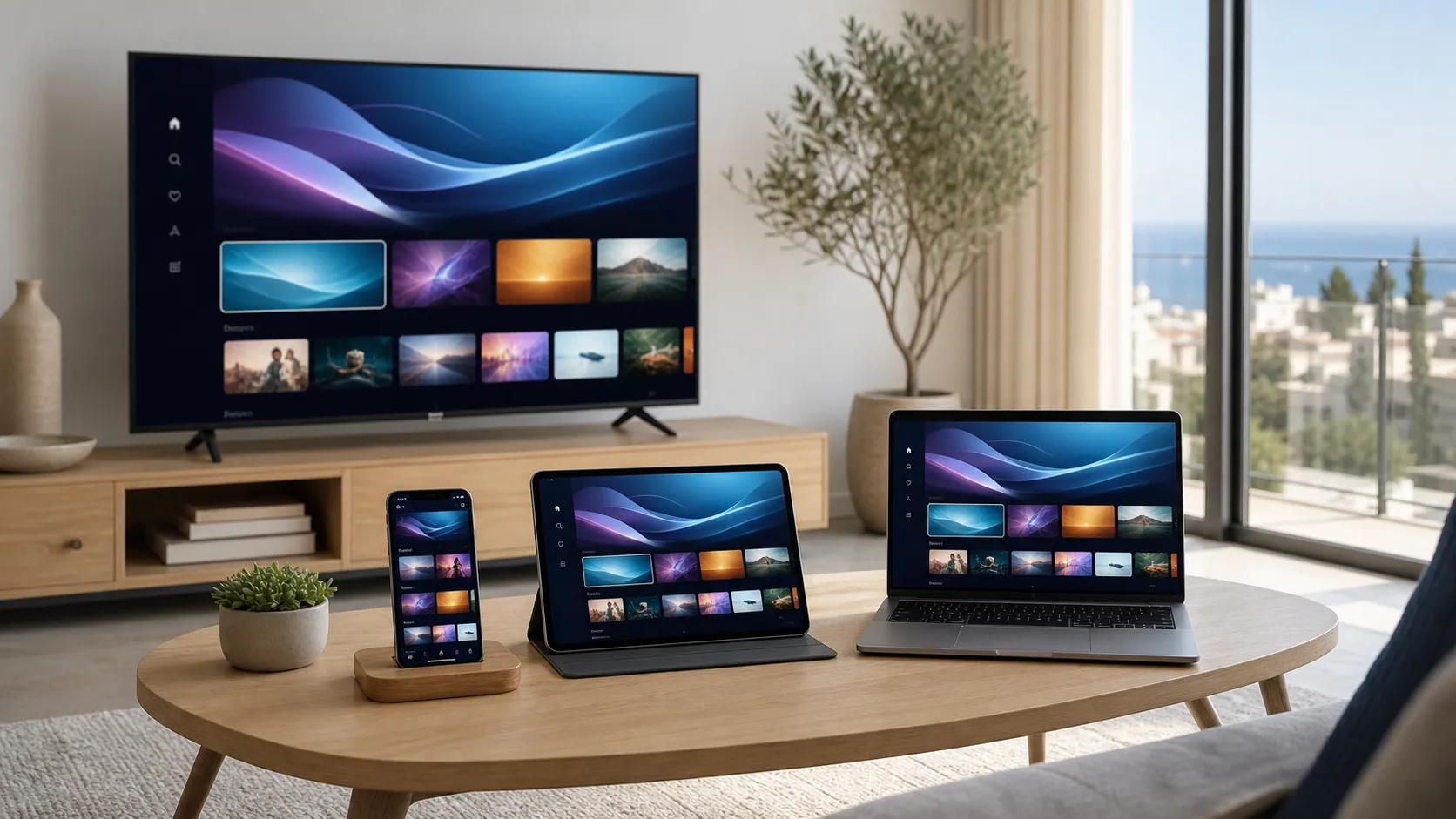
Pause large downloads, cloud photo uploads and game updates. If several people will watch different content, verify that the plan includes enough screens and that the internet connection can support their combined quality.
- 15–20 Mbps for each HD stream
- Around 30 Mbps for each 4K stream
- Ethernet for the primary television
- 5 GHz Wi-Fi for nearby mobile devices
Understand delay and source quality
Internet television can run behind terrestrial or satellite broadcasts because video must be encoded, delivered and buffered. A small delay is normal. Different sources can also use different resolutions and commentary feeds.
Local timing in Israel
International schedules may be displayed in UTC, European time or the broadcaster’s home zone. Set the player and EPG to Israel time, including seasonal daylight-saving changes, to avoid starting an hour early or late.
Serving viewers across Israel
Our remote setup guidance supports customers in Tel Aviv-Yafo, Jerusalem, Haifa, Beer-Sheva, Netanya, Ashdod, Rishon LeZion and surrounding areas. Service performance depends on the home connection, Wi-Fi layout and device—not a claimed storefront or invented local address.
Common questions
Can IPTV show live sport in 4K?+
Selected sources may be available in 4K or UHD, while others are Full HD or HD depending on the broadcaster.
Why is my stream behind the live score?+
Encoding, delivery and player buffering create latency; some delay compared with real-time alerts is normal.
What should I do if one sports channel freezes?+
Try an alternative source, then restart the player. If other channels work, avoid resetting the whole network immediately.